
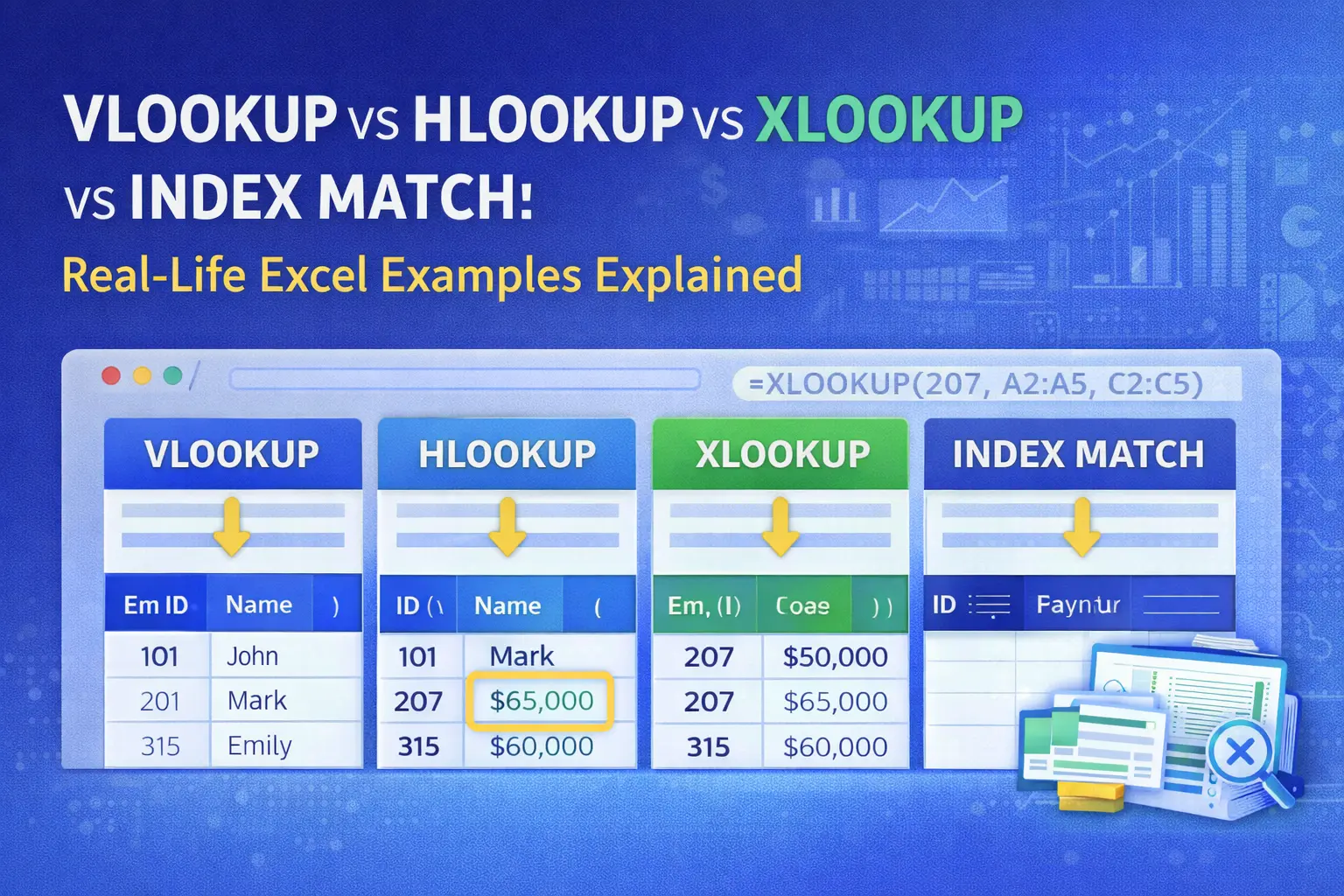
VLOOKUP vs HLOOKUP vs XLOOKUP vs INDEX-MATCH: Real-Life Excel Examples Explained
📚 Table of Contents
This article explains VLOOKUP, HLOOKUP, XLOOKUP, and INDEX-MATCH using real-life Excel examples commonly used in finance, MIS, and data analysis jobs.
📌 Quick Summary
Introduction Excel lookup functions are essential tools for anyone working with data. Whether in finance, MIS, HR, or analytics roles, professionals ...
This article is written for beginners who want to learn and build a career in VLOOKUP vs HLOOKUP vs XLOOKUP vs INDEX-MATCH: Real-Life Excel Examples Explained.
Introduction
Excel lookup functions are essential tools for anyone working with data. Whether in finance, MIS, HR, or analytics roles, professionals frequently use lookup formulas to fetch values from large datasets. Among the most commonly used functions are VLOOKUP, HLOOKUP, XLOOKUP, and INDEX-MATCH. Understanding when and how to use each function through real-life examples helps improve accuracy and efficiency at work.What Are Lookup Functions in Excel?
Lookup functions help search for a value in a dataset and return a related result. These functions reduce manual work and are widely used in reporting, reconciliation, and analysis tasks.VLOOKUP: Vertical Lookup with Real-Life Example
VLOOKUP searches for a value vertically in the first column of a table and returns data from another column. Real-Life Example:A finance executive uses VLOOKUP to fetch employee salaries based on Employee ID from a master salary sheet. Limitation:
VLOOKUP works only left to right and may break if columns are rearranged.
HLOOKUP: Horizontal Lookup with Real-Life Example
HLOOKUP works similarly to VLOOKUP but searches horizontally across the top row. Real-Life Example:An MIS report uses HLOOKUP to retrieve monthly sales figures stored across columns for different months. Limitation:
HLOOKUP is less flexible and rarely used in large datasets.
XLOOKUP: The Modern Replacement
XLOOKUP is a newer Excel function that overcomes many limitations of VLOOKUP and HLOOKUP. Real-Life Example:An analyst uses XLOOKUP to find customer payment status from a dynamic table, regardless of column position. Advantages:
- Works left to right and right to left
- Handles missing values gracefully
- More readable and flexible
INDEX-MATCH: Advanced and Powerful Combination
INDEX-MATCH combines two functions to perform flexible lookups. Real-Life Example:In MIS dashboards, INDEX-MATCH is used to fetch performance metrics based on multiple criteria like department and month. Why Professionals Prefer It:
- Faster with large datasets
- Does not depend on column order
- Highly flexible for complex reports
Comparison: Which Function Should You Use?
| Function | Best Used For | Skill Level |
|---|---|---|
| VLOOKUP | Simple vertical searches | Beginner |
| HLOOKUP | Horizontal datasets | Beginner |
| XLOOKUP | Modern, flexible lookups | Intermediate |
| INDEX-MATCH | Complex, large datasets | Advanced |
Why These Functions Matter in Real Jobs
Lookup functions are frequently tested in interviews and used daily in professional environments. Mastery of these tools helps improve reporting accuracy, saves time, and supports data-driven decision-making.Frequently Asked Questions
Is XLOOKUP better than VLOOKUP?
Yes, in most cases XLOOKUP is more flexible and reliable.Do companies still use VLOOKUP?
Yes, many organizations still use it, especially in legacy files.Should beginners learn INDEX-MATCH?
Yes, after understanding basic lookup functions.🔗 Related Articles
https://www.kaishclasses.com/advanced-excel-course-in-lucknow.php https://www.kaishclasses.com/top-data-analytics-training-lucknow.php🌐 References
https://support.microsoft.com/excel👉 Want to start your career? Join KAiSH Computer Institute today.