
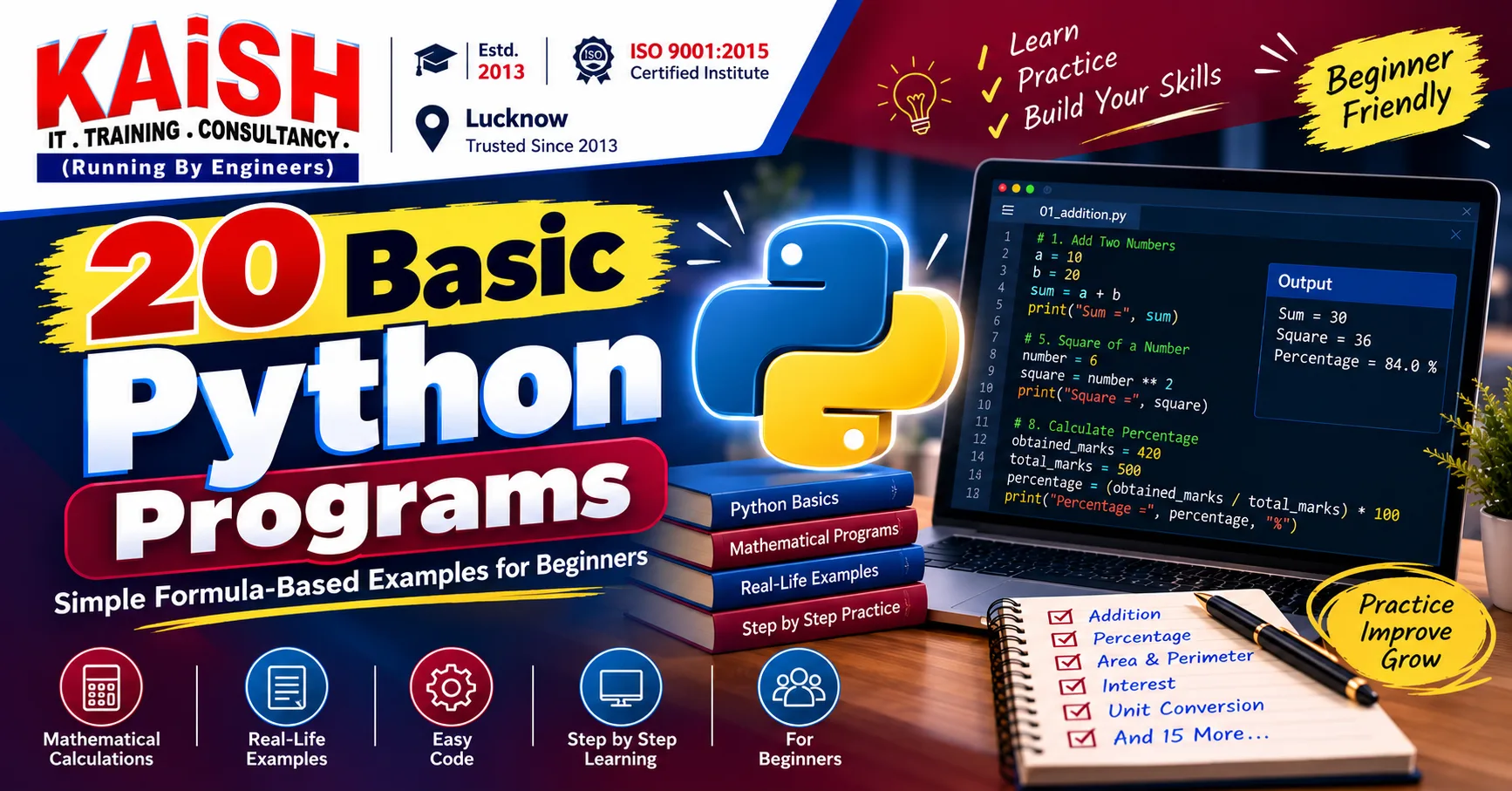
20 Basic Python Programs for Beginners with Examples
📚 Table of Contents
Explore 20 beginner-friendly Python programs using print(), variables, input(), type conversion, and arithmetic formulas. Each example includes code and expected output.
📌 Quick Summary
Are you learning Python for the first time? Practising small programs is one of the easiest ways to understand programming basics. In this guide, we w...
This article is written for beginners who want to learn and build a career in 20 Basic Python Programs for Beginners with Examples.
Are you learning Python for the first time? Practising small programs is one of the easiest ways to understand programming basics. In this guide, we will learn 20 basic Python programs for beginners using simple formulas, variables, user input, and arithmetic operators.
These examples are designed for students who are just starting Python. We will use only basic concepts such as print(), input(), variables, int(), float(), and mathematical operators. No if-else statements, loops, user-defined functions, NumPy, or advanced libraries are used.
Basic Python Concepts Used in These Programs
print(): Displays output on the screen.input(): Accepts information from the user as text.- Variables: Store or refer to values.
int(): Converts suitable input into a whole number.float(): Converts suitable input into a decimal number.+,-,*,/: Perform mathematical calculations.**: Calculates a power, such as the square of a number.
1. Python Program to Add Two Numbers
Formula: Sum = First Number + Second Number
a = 10
b = 20
sum = a + b
print("Sum =", sum)
Output:
Sum = 302. Python Program to Subtract Two Numbers
Formula: Difference = First Number - Second Number
a = 50
b = 20
difference = a - b
print("Difference =", difference)
Output:
Difference = 303. Python Program to Multiply Two Numbers
Formula: Product = First Number × Second Number
a = 8
b = 5
product = a * b
print("Product =", product)
Output:
Product = 404. Python Program to Divide Two Numbers
Formula: Quotient = Dividend ÷ Divisor
a = 20
b = 4
quotient = a / b
print("Quotient =", quotient)
Output:
Quotient = 5.05. Python Program to Find the Square of a Number
Formula: Square = Number × Number
number = 6
square = number ** 2
print("Square =", square)
Output:
Square = 366. Python Program to Find the Cube of a Number
Formula: Cube = Number × Number × Number
number = 3
cube = number ** 3
print("Cube =", cube)
Output:
Cube = 277. Python Program to Calculate the Average of Three Numbers
Formula: Average = (Number 1 + Number 2 + Number 3) ÷ 3
a = 70
b = 80
c = 90
average = (a + b + c) / 3
print("Average =", average)
Output:
Average = 80.08. Python Program to Calculate the Percentage
Formula: Percentage = (Obtained Marks ÷ Total Marks) × 100
obtained_marks = 420
total_marks = 500
percentage = (obtained_marks / total_marks) * 100
print("Percentage =", percentage, "%")
Output:
Percentage = 84.0 %9. Python Program to Calculate the Area of a Rectangle
Formula: Area = Length × Breadth
length = 10
breadth = 5
area = length * breadth
print("Area of Rectangle =", area)
Output:
Area of Rectangle = 5010. Python Program to Calculate the Perimeter of a Rectangle
Formula: Perimeter = 2 × (Length + Breadth)
length = 10
breadth = 5
perimeter = 2 * (length + breadth)
print("Perimeter of Rectangle =", perimeter)
Output:
Perimeter of Rectangle = 3011. Python Program to Calculate the Area of a Square
Formula: Area = Side × Side
side = 6
area = side ** 2
print("Area of Square =", area)
Output:
Area of Square = 3612. Python Program to Calculate the Perimeter of a Square
Formula: Perimeter = 4 × Side
side = 6
perimeter = 4 * side
print("Perimeter of Square =", perimeter)
Output:
Perimeter of Square = 2413. Python Program to Calculate the Area of a Triangle
Formula: Area = 1/2 × Base × Height
base = 10
height = 8
area = 0.5 * base * height
print("Area of Triangle =", area)
Output:
Area of Triangle = 40.014. Python Program to Calculate Simple Interest
Formula: Simple Interest = (Principal × Rate × Time) ÷ 100
principal = 10000
rate = 5
time = 2
interest = (principal * rate * time) / 100
print("Simple Interest =", interest)
Output:
Simple Interest = 1000.015. Python Program to Convert Celsius into Fahrenheit
Formula: Fahrenheit = (Celsius × 9/5) + 32
celsius = 25
fahrenheit = (celsius * 9 / 5) + 32
print("Temperature in Fahrenheit =", fahrenheit)
Output:
Temperature in Fahrenheit = 77.016. Python Program to Convert Kilometres into Metres
Formula: Metres = Kilometres × 1000
kilometres = 5
metres = kilometres * 1000
print("Metres =", metres)
Output:
Metres = 500017. Python Program to Calculate the Total Price
Formula: Total Price = Price per Item × Quantity
price = 150
quantity = 4
total_price = price * quantity
print("Total Price =", total_price)
Output:
Total Price = 60018. Python Program to Calculate Discount Amount
Formula: Discount = (Original Price × Discount Rate) ÷ 100
price = 2000
discount_rate = 10
discount = (price * discount_rate) / 100
print("Discount Amount =", discount)
Output:
Discount Amount = 200.019. Python Program to Calculate Final Price After Discount
Formula: Final Price = Original Price - Discount Amount
price = 2000
discount = 200
final_price = price - discount
print("Final Price =", final_price)
Output:
Final Price = 180020. Python Program to Calculate Monthly Salary
Formula: Monthly Salary = Basic Salary + Allowances
basic_salary = 20000
allowances = 5000
monthly_salary = basic_salary + allowances
print("Monthly Salary =", monthly_salary)
Output:
Monthly Salary = 25000How to Practise These Basic Python Programs
- Read the formula before writing the code.
- Understand the purpose of each variable.
- Run the program and check the output.
- Change the input values and observe the new result.
- Once comfortable, replace fixed values with user input using
input()and type conversion.
Frequently Asked Questions
1. Are these Python programs suitable for beginners?
Yes. These programs use basic variables, arithmetic operators, and output statements, making them suitable for students starting Python.
2. Do these programs use loops or if-else statements?
No. These 20 examples use direct formula-based calculations without if-else statements, loops, or user-defined functions.
3. Can I practise these programs without advanced Python knowledge?
Yes. Basic knowledge of variables, mathematical operators, and the print statement is sufficient to understand these examples.
4. How can I make these programs interactive?
You can replace fixed numeric values with user input using input() and convert the entered values using int() or float().
Conclusion
These 20 basic Python programs provide a simple introduction to formula-based programming. By practising addition, subtraction, averages, percentages, areas, interest, conversions, and everyday calculations, beginners can develop confidence in writing Python code.
Start with these examples, understand each formula, and practise by changing the values. A strong understanding of programming fundamentals will make it easier to learn more advanced Python concepts later.
Learn Computer Programming with KAiSH Computer Institute, Lucknow
Explore practical computer and technology training at KAiSH Computer Institute.
Where Futures Are Coded.
🔗 Related Articles
https://www.kaishclasses.com/blog/introduction-to-python-for-beginners👉 Want to start your career? Join KAiSH Computer Institute today.